


This month's updates give your firm more control over the details that run through every matter, with fewer manual steps. New this month: view-only access to accounts and expenses, a larger lineup of AI models in Archie, bulk email saving in new Outlook, and more. Read on for the full rundown.
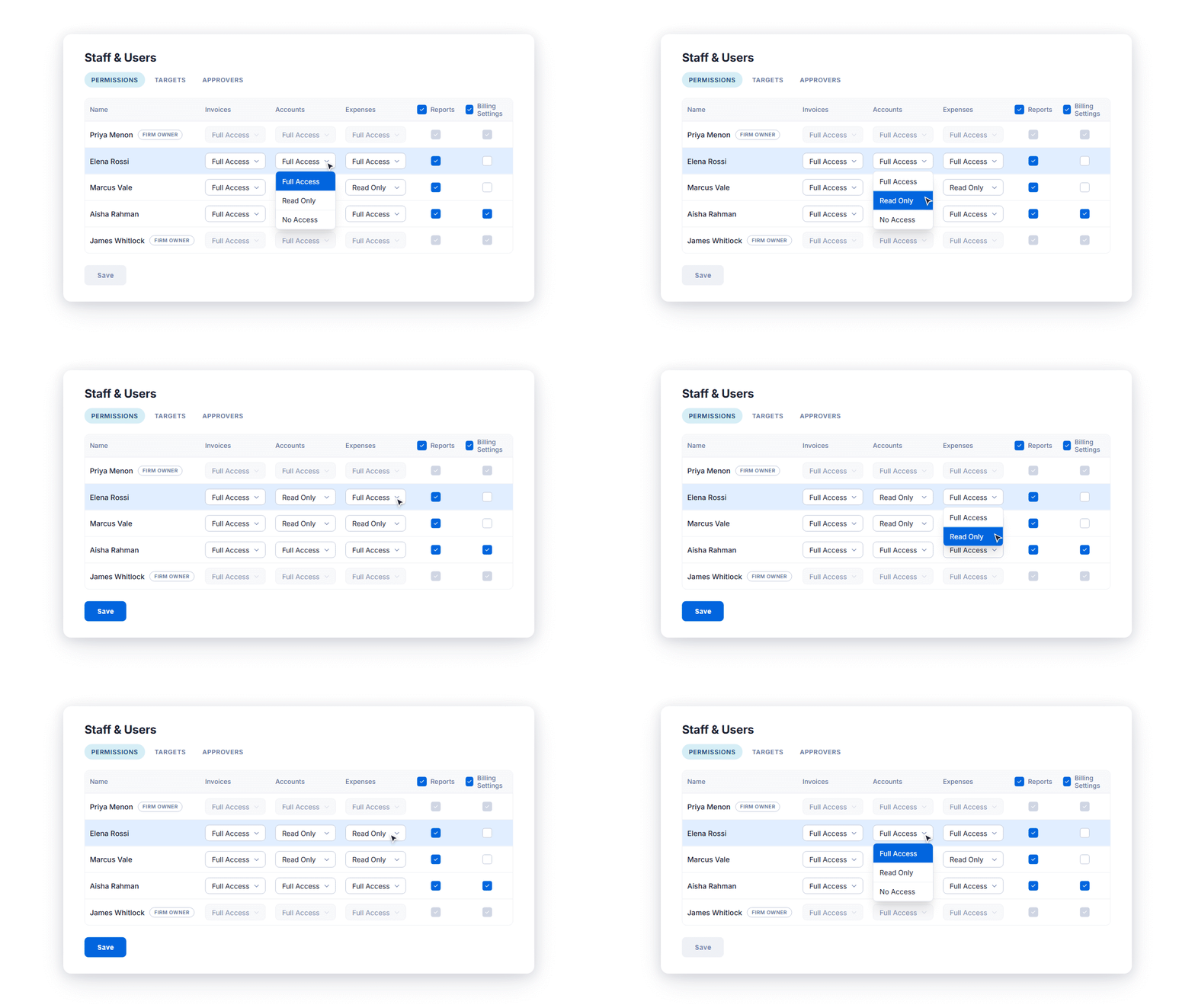
Let your team view accounts and expenses without changing them
Tier: Boost, Grow, Prosper+
Region: US, AU and UK
Protect your trust account integrity without limiting visibility
Keep control over who can move trust funds (client funds in the UK) while opening account visibility to the staff who need it. We've added new levels to the accounts permission and expanded where they apply, now across the global Accounts page and the Transactions tab on matters and contacts. The read-only level lets staff verify balances, review transaction history, and print receipts, while users with full access retain the ability to deposit, transfer, and protect funds. The no-access level hides account data entirely from those who don't need it.
Control who can edit your firm’s expenses
Keep expenses (disbursements in AU, cost recovery in the UK) visible to everyone on the matter, while limiting who can change them. With the new expenses permission, you can assign read-only access, while users with full access retain their ability to create and edit expenses.
Match Archie AI's model to the task, now with a bigger line-up
Tier: Boost, Grow, Prosper+ with the Archie AI add-on
Region: US, AU and UK
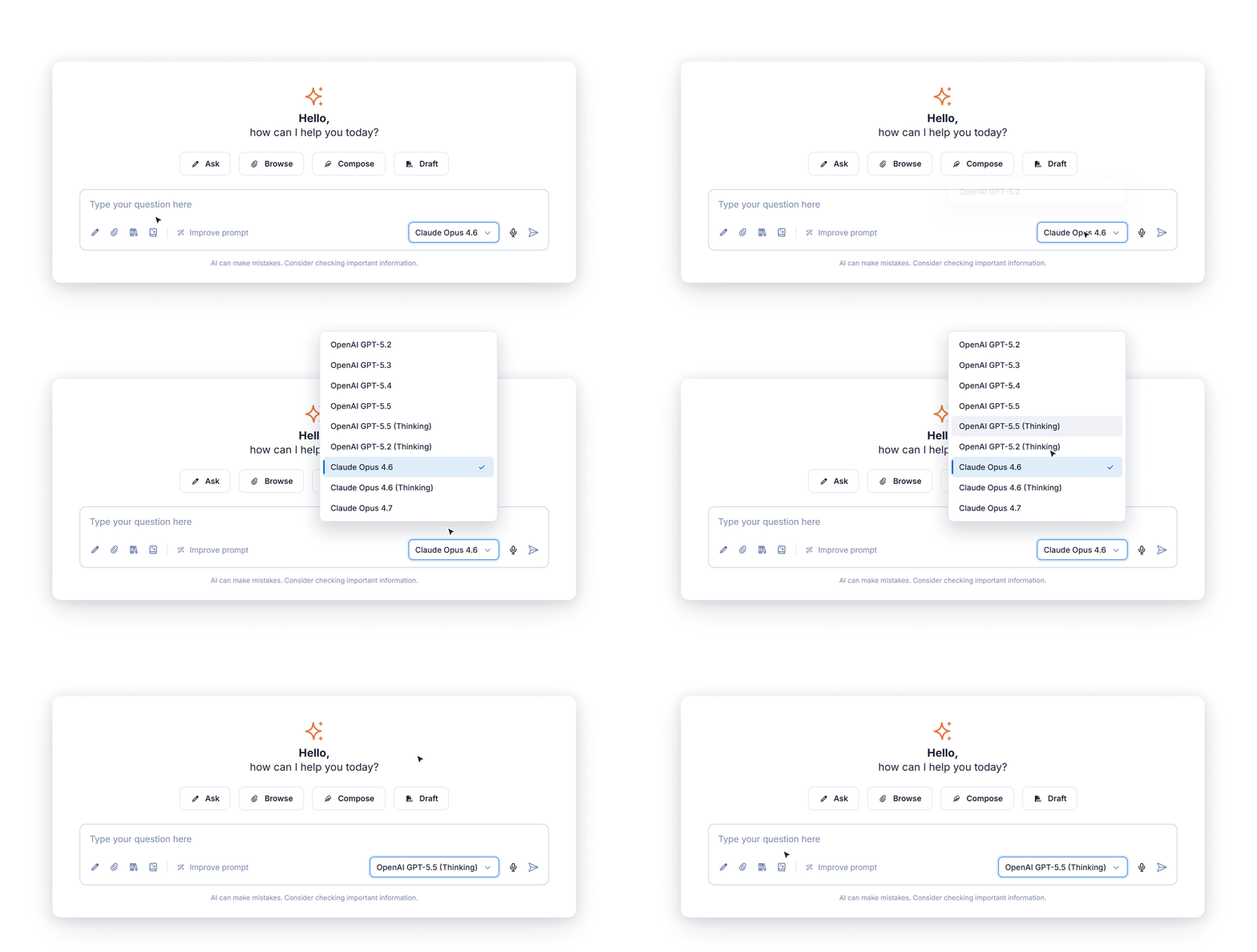
Model selection is back in Archie, now with a more capable line-up to pick from: GPT-5.5, plus Claude Opus 4.6 and 4.7. Choose yours from Archie's settings — pick a fast model for a quick client email or an extended-reasoning model for complex work such as multi-document review. As newer models are released, they'll be added to Archie's line-up, so the latest AI is there whenever you need it.
Draft with Archie AI right where you email from a matter
Tier: Grow, Prosper+ with the Archie AI add-on
Region: US, AU and UK
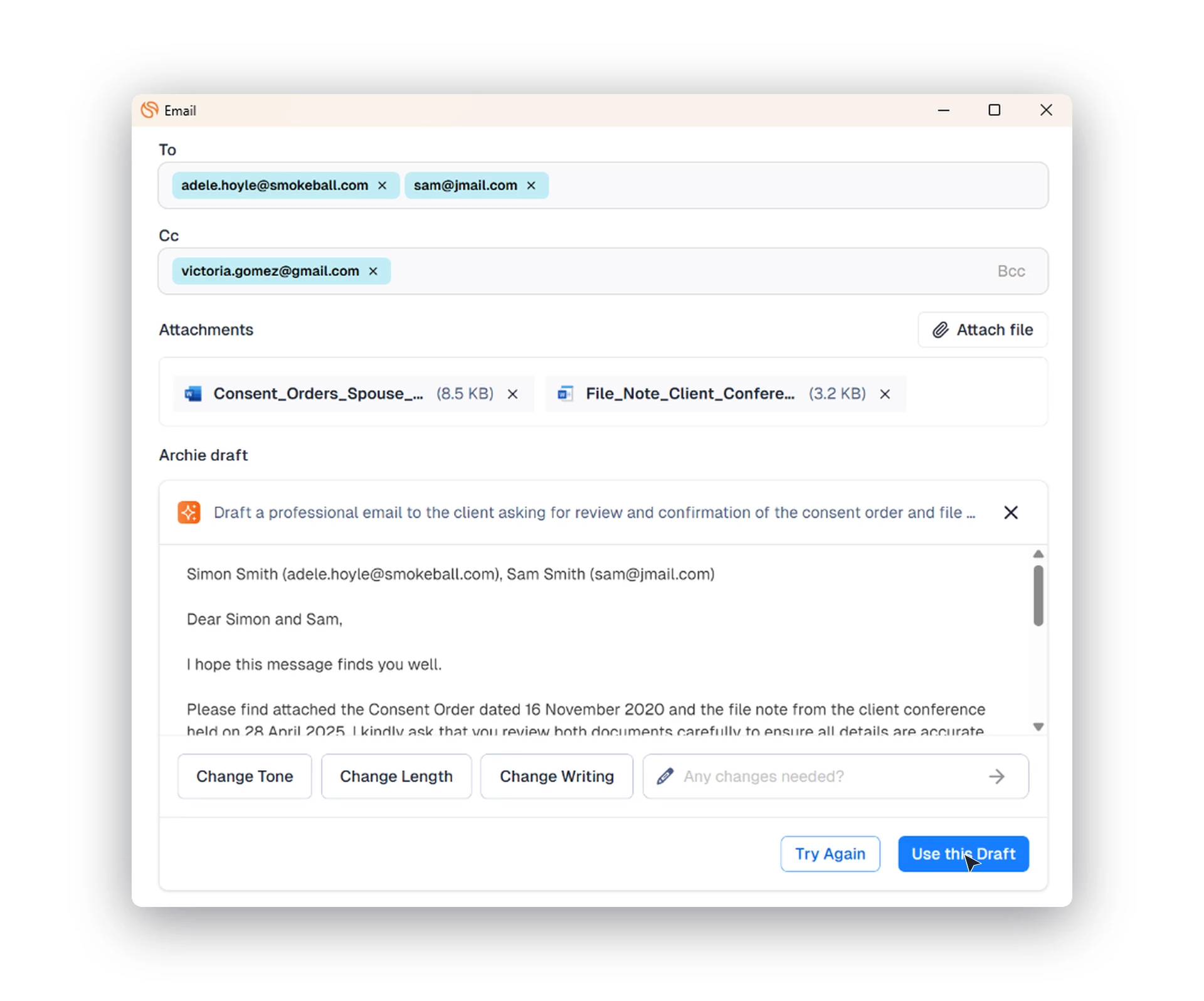
You can now draft emails with Archie without switching to the Archie tab. Describe what the email should say, and Archie generates a draft grounded in your matter's details, the recipients, and any attached documents. Adjust the tone or length until it reads right, then continue to Outlook with the draft and recipients already filled in.
Bulk save emails to a matter in the new Outlook add-in
Tier: Boost, Grow, Prosper+
Region: US, AU and UK
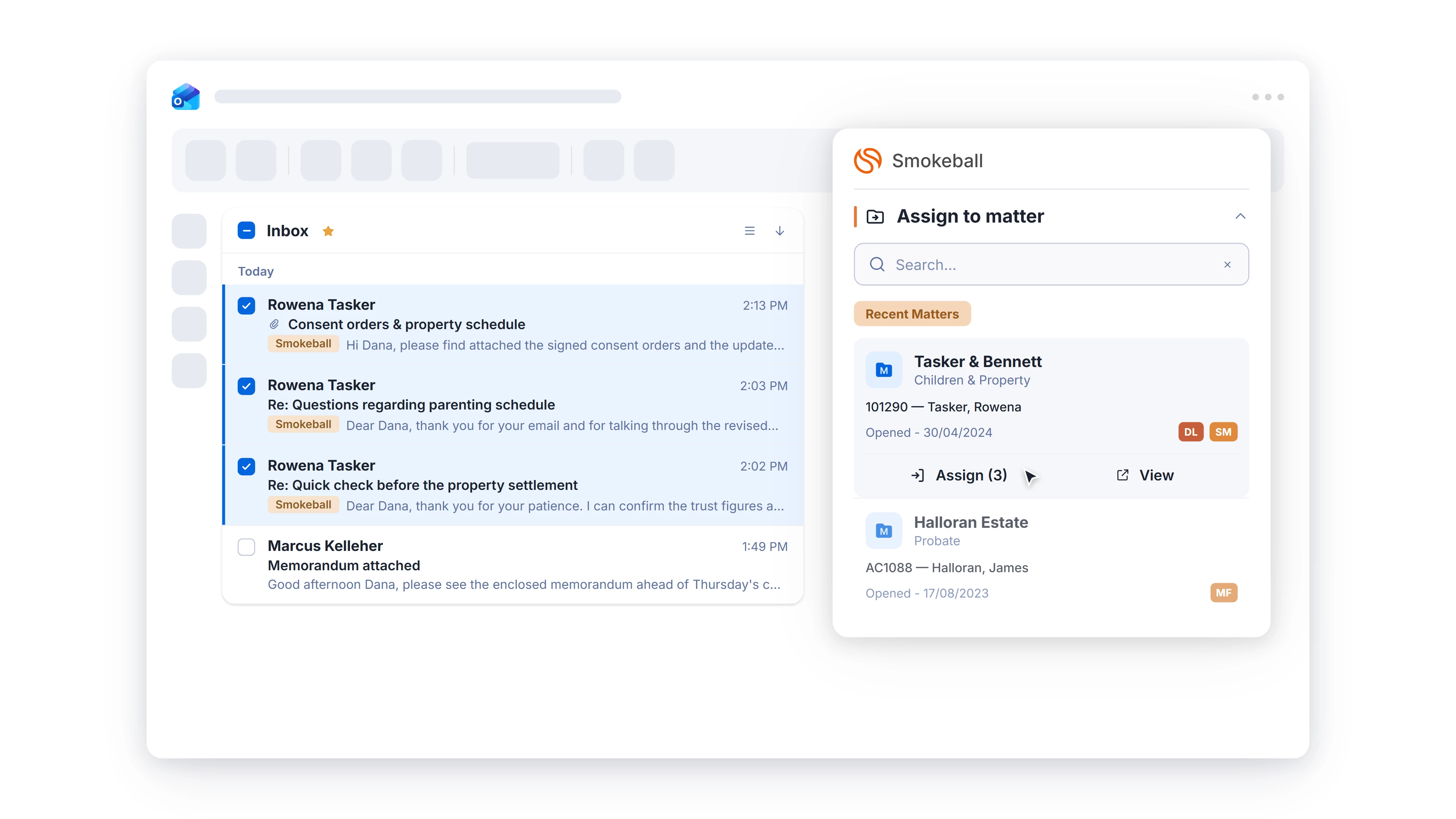
Spend less time filing emails in new Outlook by saving multiple emails to a matter in one step, instead of one at a time. Select the emails, choose the matter in the Smokeball add-in, and they're all assigned at once. This matches the bulk filing already in our classic Outlook add-in, so you keep the fast filing you rely on.
Intake: Control when form updates reach your clients
Tier: Included on Prosper+, or as part of the Intake add-on for Boost and Grow.
Region: US, AU and UK
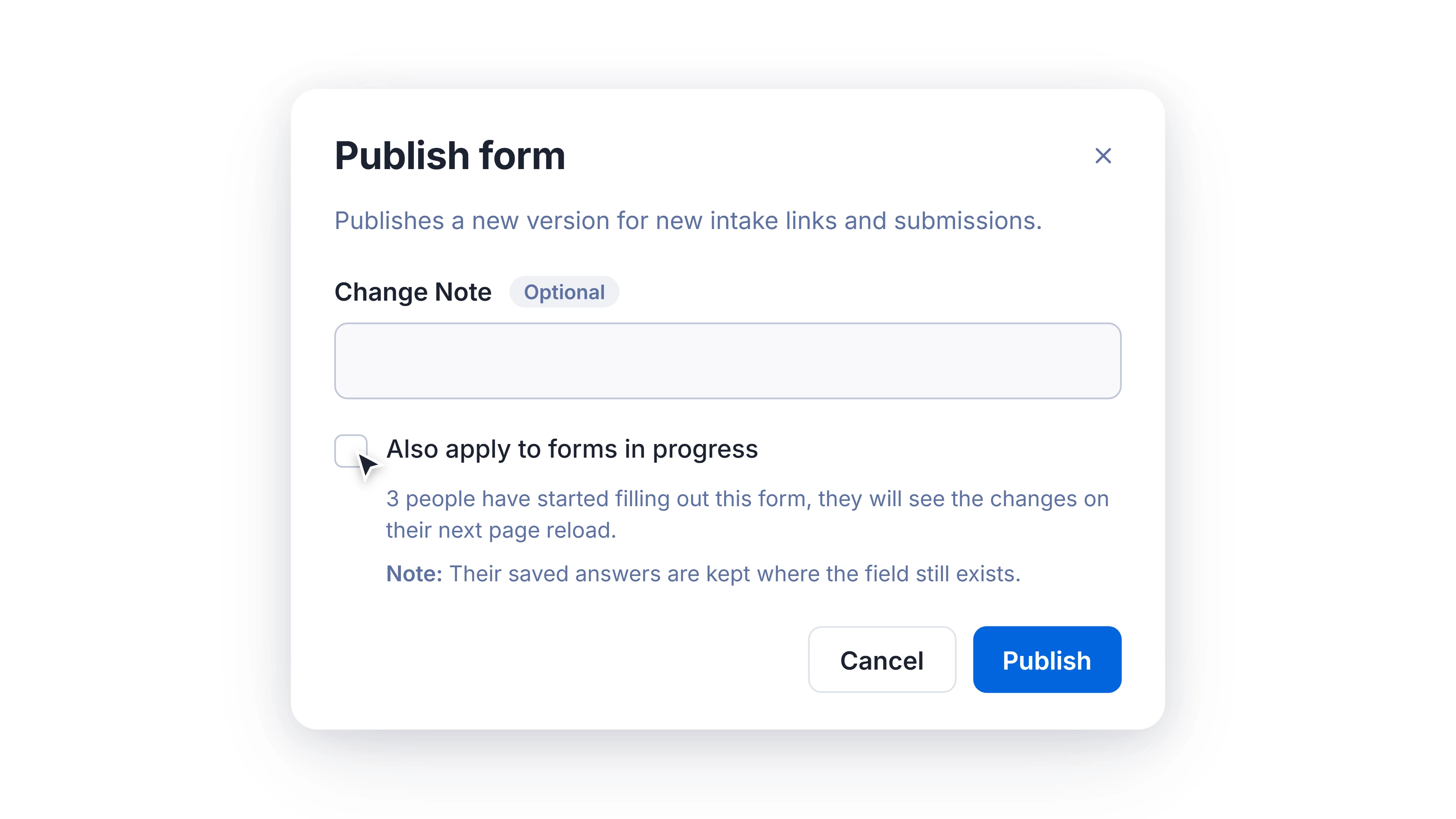
Make edits to your forms without affecting the ones clients have already started. Decide when changes reach clients by publishing them, choosing whether they apply to newly sent forms only, or also to those already in progress. In Version History, you can now see which versions were published, when, and by whom, so you always know exactly what's gone out to clients.
FamilyProperty: Capture custom ownership percentages on jointly owned items
Tier: Grow, Prosper+ with the FamilyProperty add-on
Region: AU
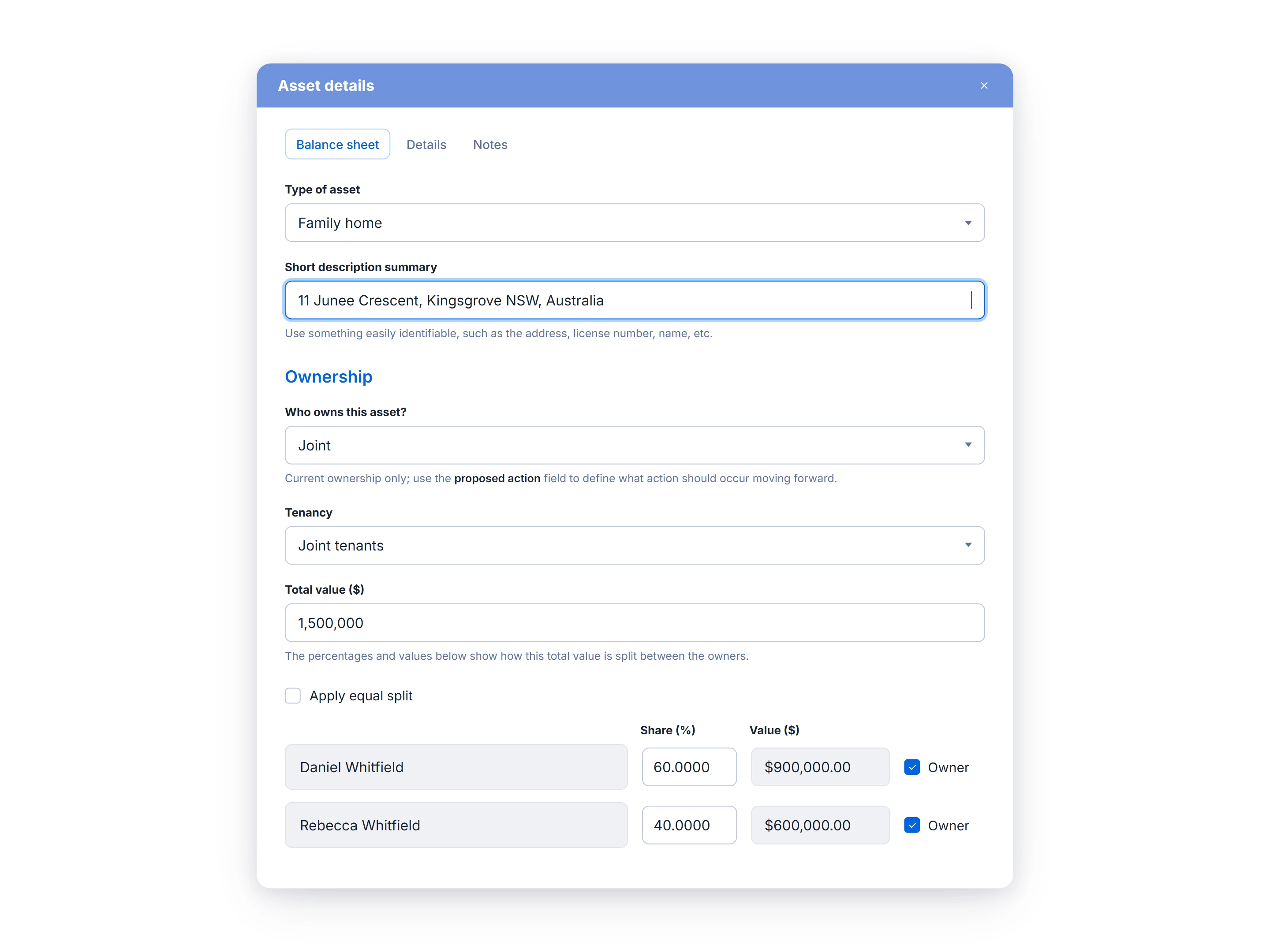
You can now apply any percentage split to jointly owned assets, liabilities, and superannuation, add third-party owners, and set the tenancy type for real estate. These values automatically flow through to the Proposals table, Joint Balance Sheet, and the court forms and documents generated by FamilyProperty, so they match how the assets are actually held.