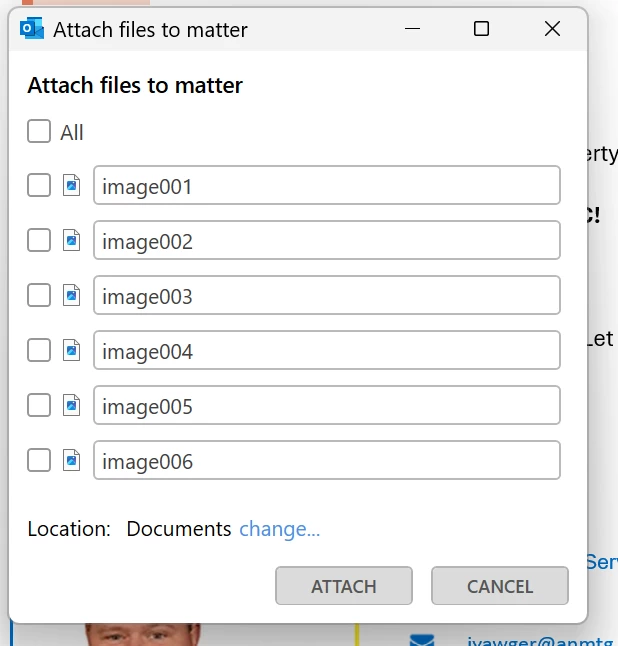
Hi, Totally understand how frustrating it is having that pop‑up appear every time, especially when it’s all just signature images you don’t need.
Just to explain what’s happening:
Outlook treats embedded signature icons (like logos or social badges) as inline attachments, even when there are no “real” files attached which leads to this extra click you’re seeing. I agree it’s not ideal. We’re reviewing options to reduce this friction and improve the experience.
The good news is that in the New Outlook add‑in, this dialog doesn’t appear the same way. Those signature images aren’t auto‑populated, and if the email has no actual attachments, there are no extra clicks the workflow is much smoother and avoids the constant pop‑ups.
If you’d like, I’m happy to schedule a call to walk you through the New Outlook add‑in step by step.
Thanks
Mo