Question

Link Payment to Matter

  • September 23, 2025
  • 3 replies
  • 38 views

Many of my payments in Smokeball payments are not linked to a matter. How do I link the payments to a matter so that it is applied correctly?


3 replies

Sara Sultan
Smokeball Team
Forum|alt.badge.img+1
  • Smokeball Team
  • September 25, 2025

Hi Jason,

It depends on how you send out the link.  If the link is part of an intake form, sent from the Credit Card Deposit Request on the matter or from an Invoice or Invoice Reminder, Smokeball will know what matter to attach the payment to.  If you send a generic payment link or have a generic link on your website, it will not be associated with a lead or matter.


  • Author
  • Contributor
  • September 25, 2025

Is there a way to link it after it has been paid? 


Sara Sultan
Smokeball Team
Forum|alt.badge.img+1
  • Smokeball Team
  • September 26, 2025

Hi Jason,

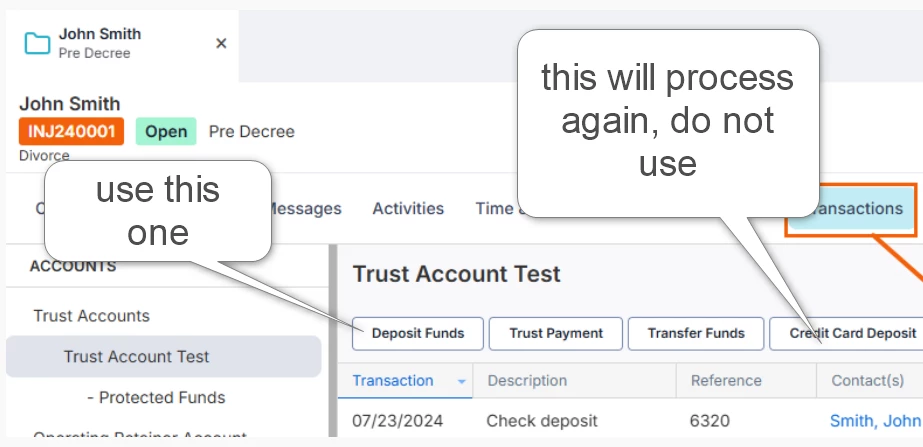
There is no way to link it after it has been paid.  You will need to go the matter and do a payment to the invoice or deposit in trust and mark that it was paid by credit card.  There are two options.  One to process the payment and one to just track it.  You will choose the track only option.  This is the same button you would use to mark as paid by check or cash.  There are separate buttons to process via credit card.